
How to Report an Incorrect or Unhelpful Answer
Who this is for: All users
Overview
If an answer looks incorrect, incomplete, off‑topic, poorly formatted, or could be improved, you can report it to the Law Cyborg team for confidential review. Reporting lets our team see the specific question and answer you flagged so we can investigate and improve future results.
Before you start
You can report any answer for any reason.
Reports can be submitted anonymously.
Only the reported conversation becomes visible to our support staff for investigation; your other chat history remains private.
Steps
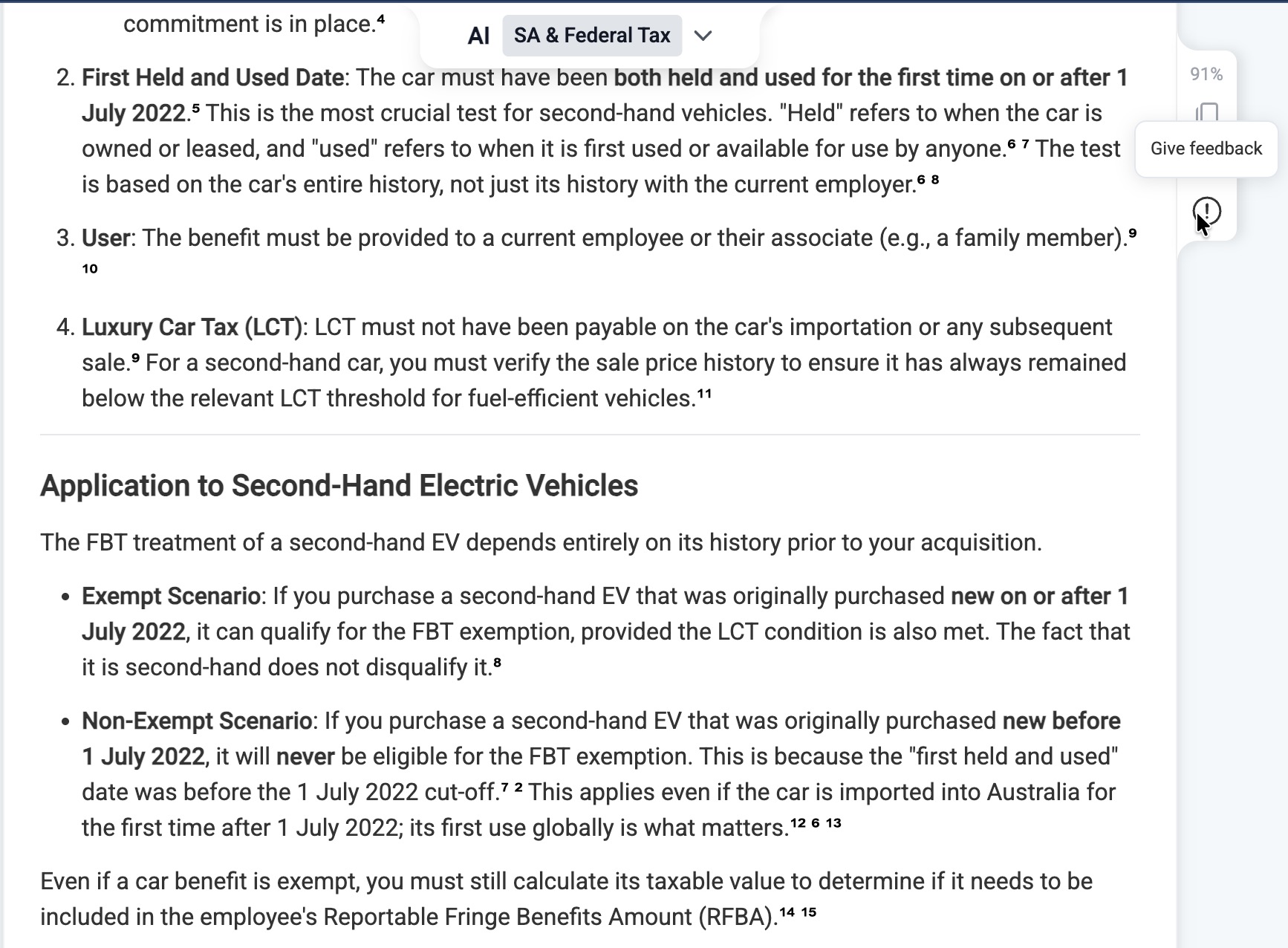
In the answer you want to flag, click the Report icon (exclamation mark).
Choose whether to submit your report anonymously.
Type a short note describing what went wrong (e.g., incorrect citation, missing nuance, broken link).
Click Send feedback.
What happens next
Our team reviews the reported question and answer to diagnose the issue and schedule a fix or improvement.
Staff who access reports are bound by strict non‑disclosure agreements; information is used only to investigate your report.
Frequently Asked Questions
Is my chat history private?
Yes. Your chat history is private to you. When you report an answer, the Law Cyborg team can view that specific conversation solely to investigate. Other conversations remain private.
I don’t see the report icon—why?
Your Owner may have hidden feedback controls at an organisation level. If you’d like to report an answer but can’t see the option, contact your Owner or Admin.
Last updated: October 21, 2025