
How to Invite Team Members to Join Law Cyborg
Edited
This tutorial walks you through how to invite your team to join Law Cyborg as users in your organisation.
📺 Watch the video walkthrough
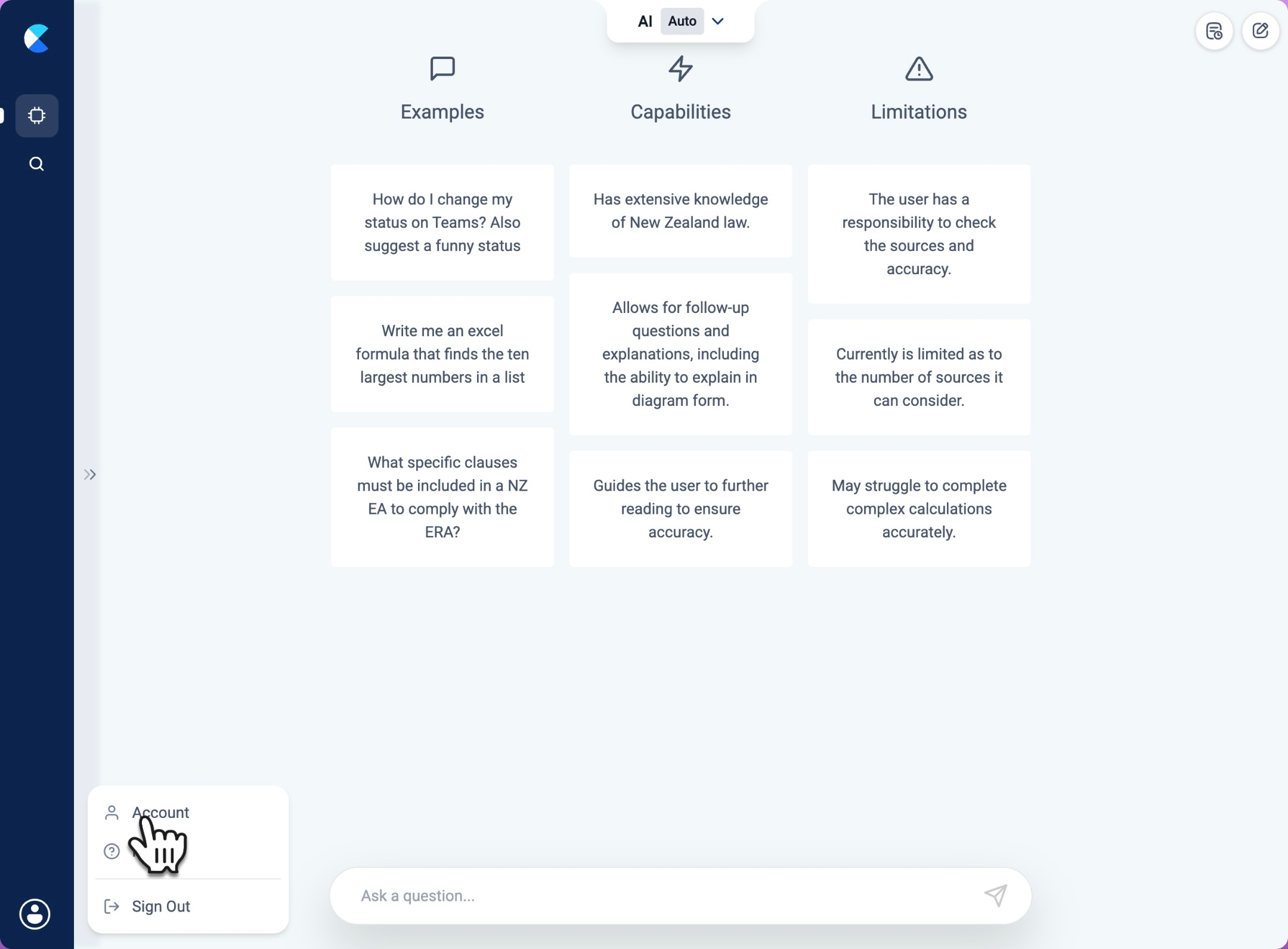
Step 1: Open your account settings
Click Account.
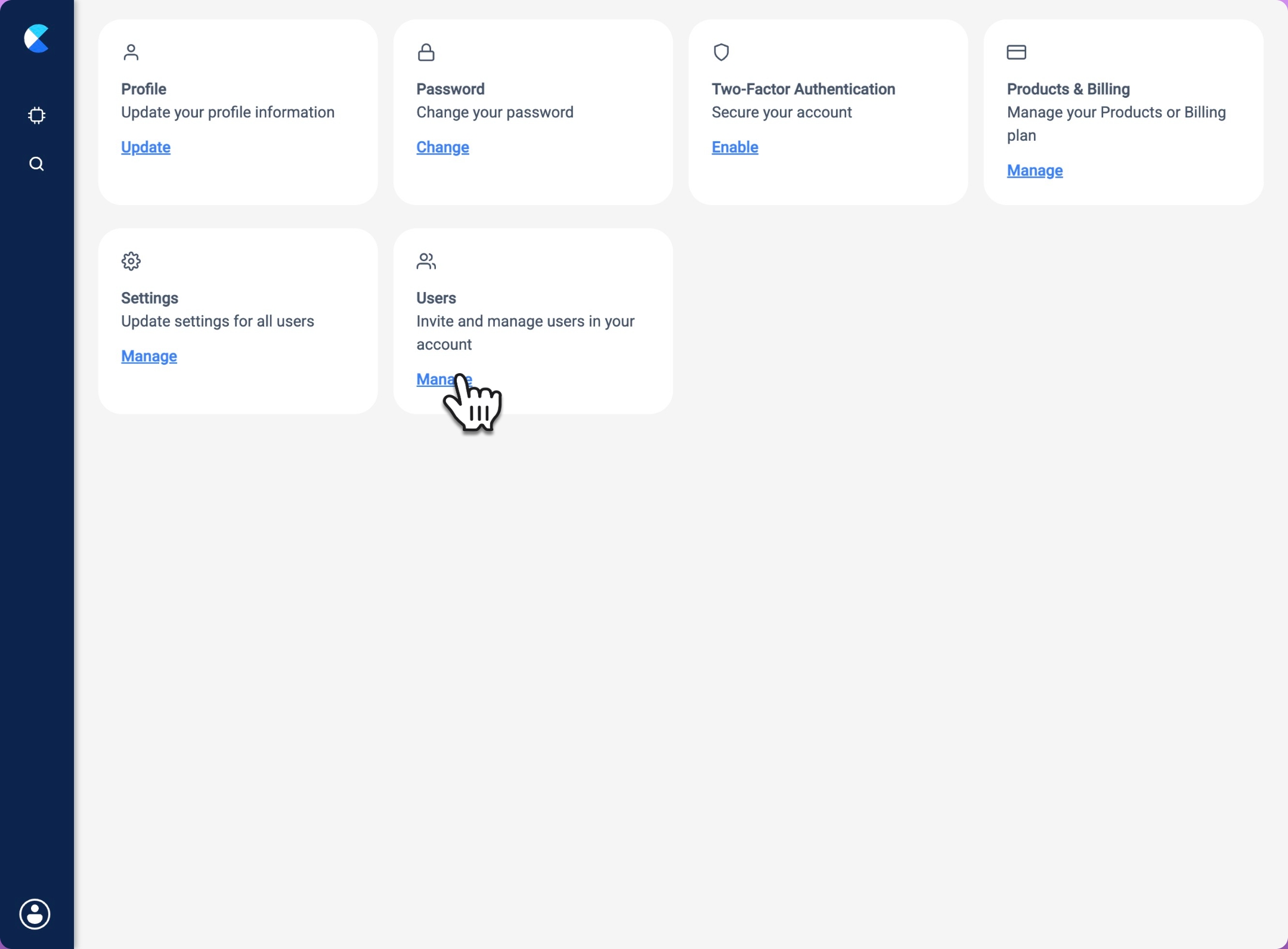
Step 2: Go to manage users
Click Manage.
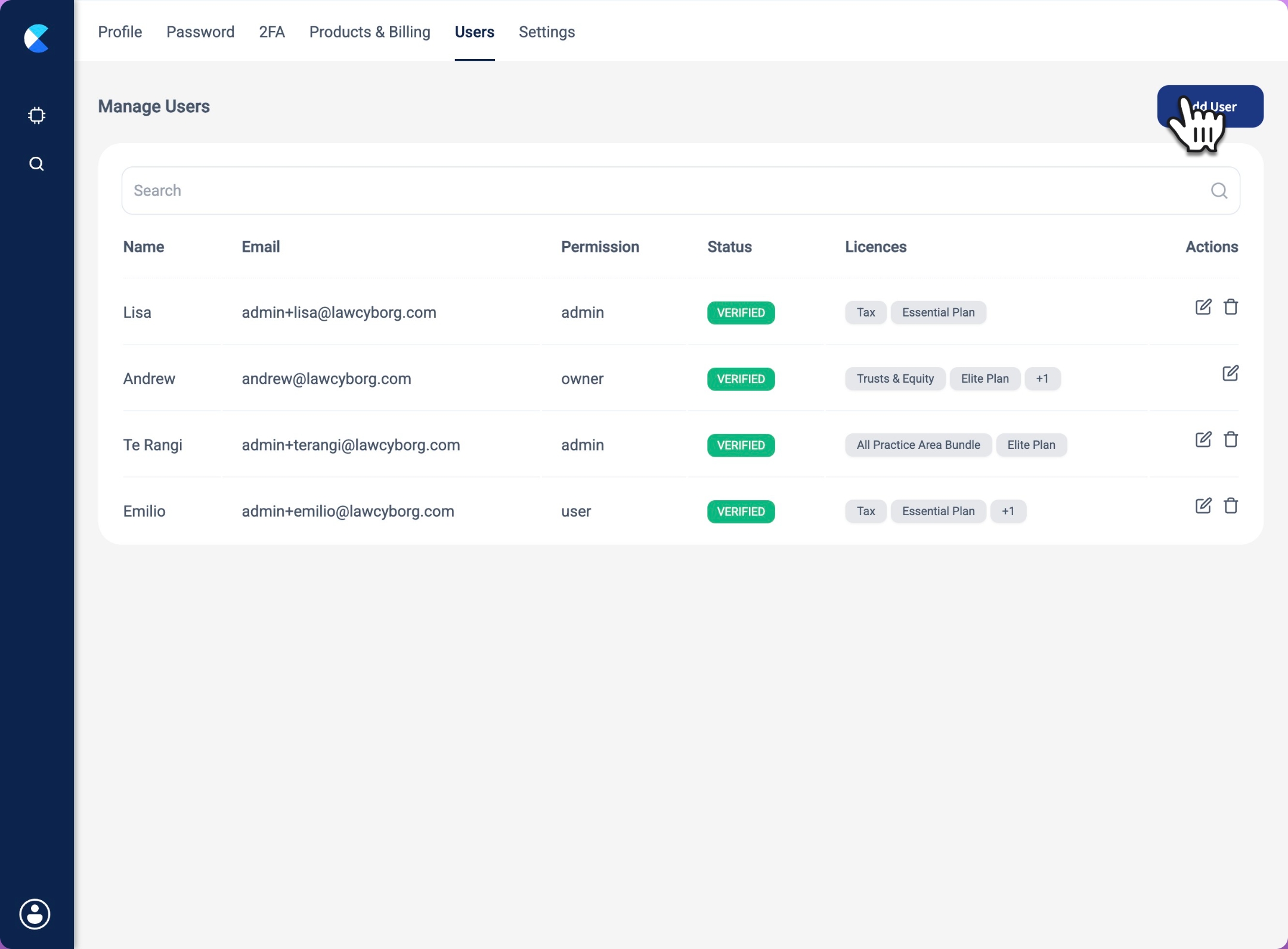
Step 3: Add a new user
Click Add User.
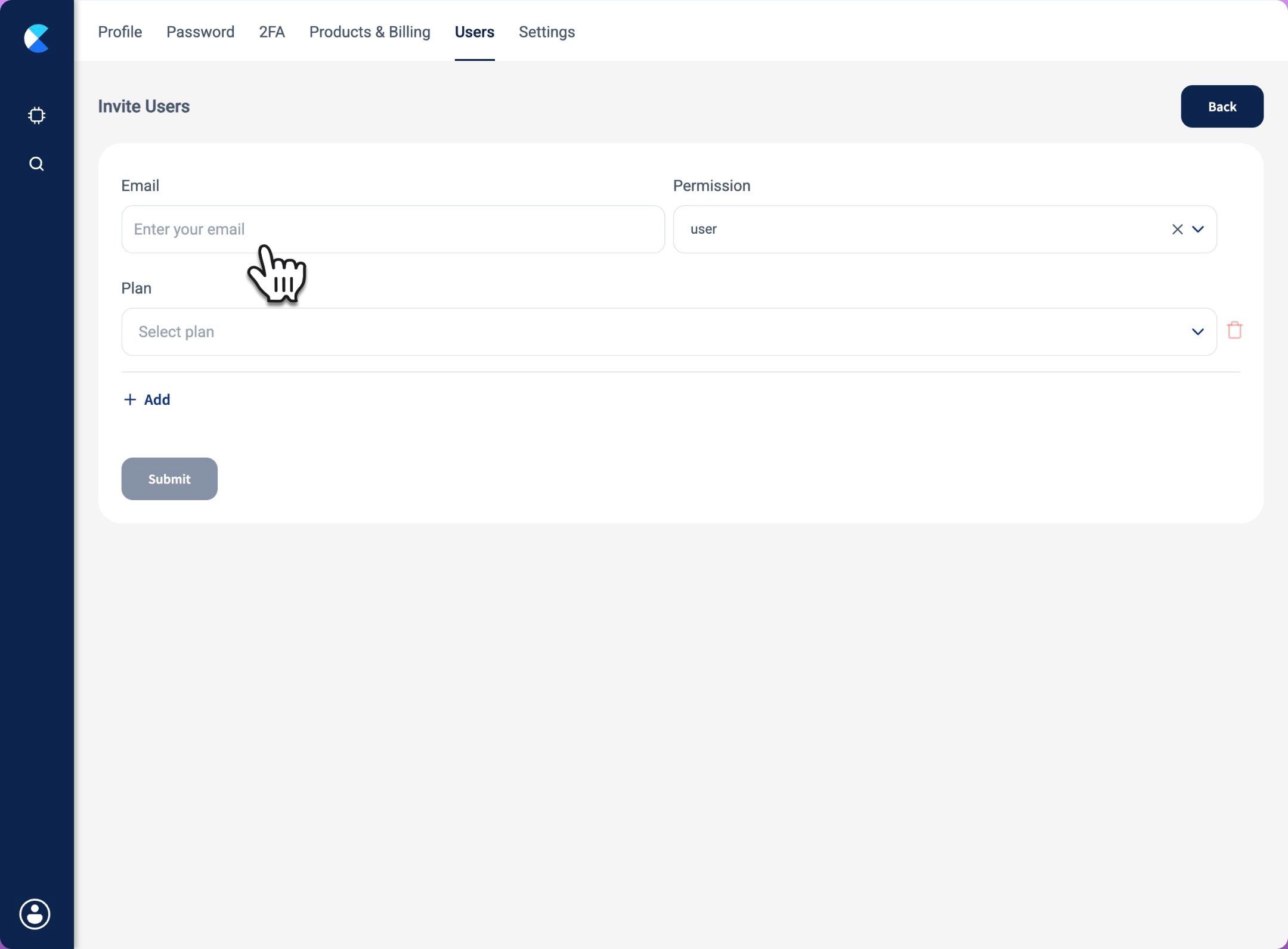
Step 4: Enter the user’s details
Fill in the email field for the new user, and choose their permission level.
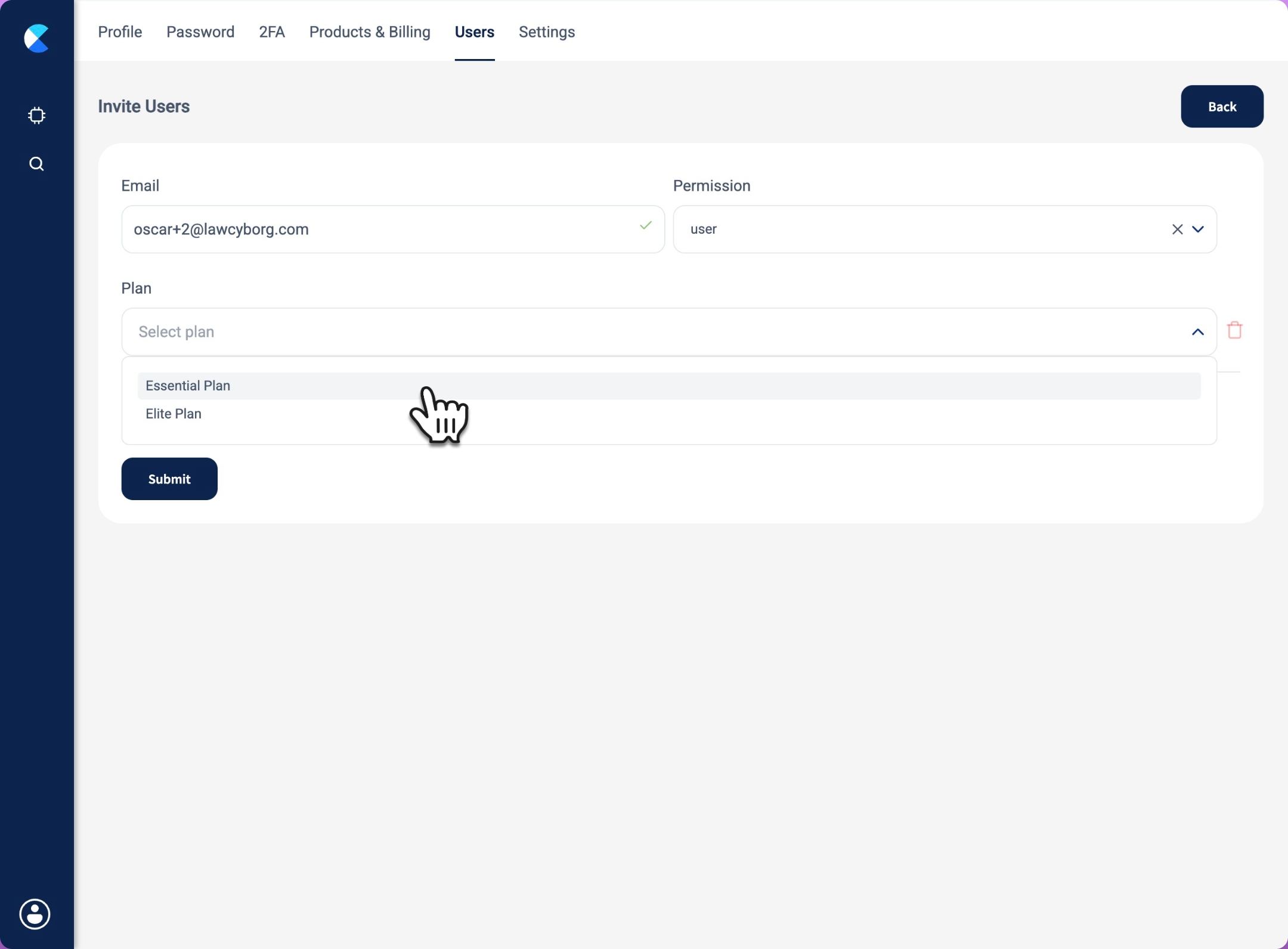
Step 5: Assign a base plan
Click Essential Plan.
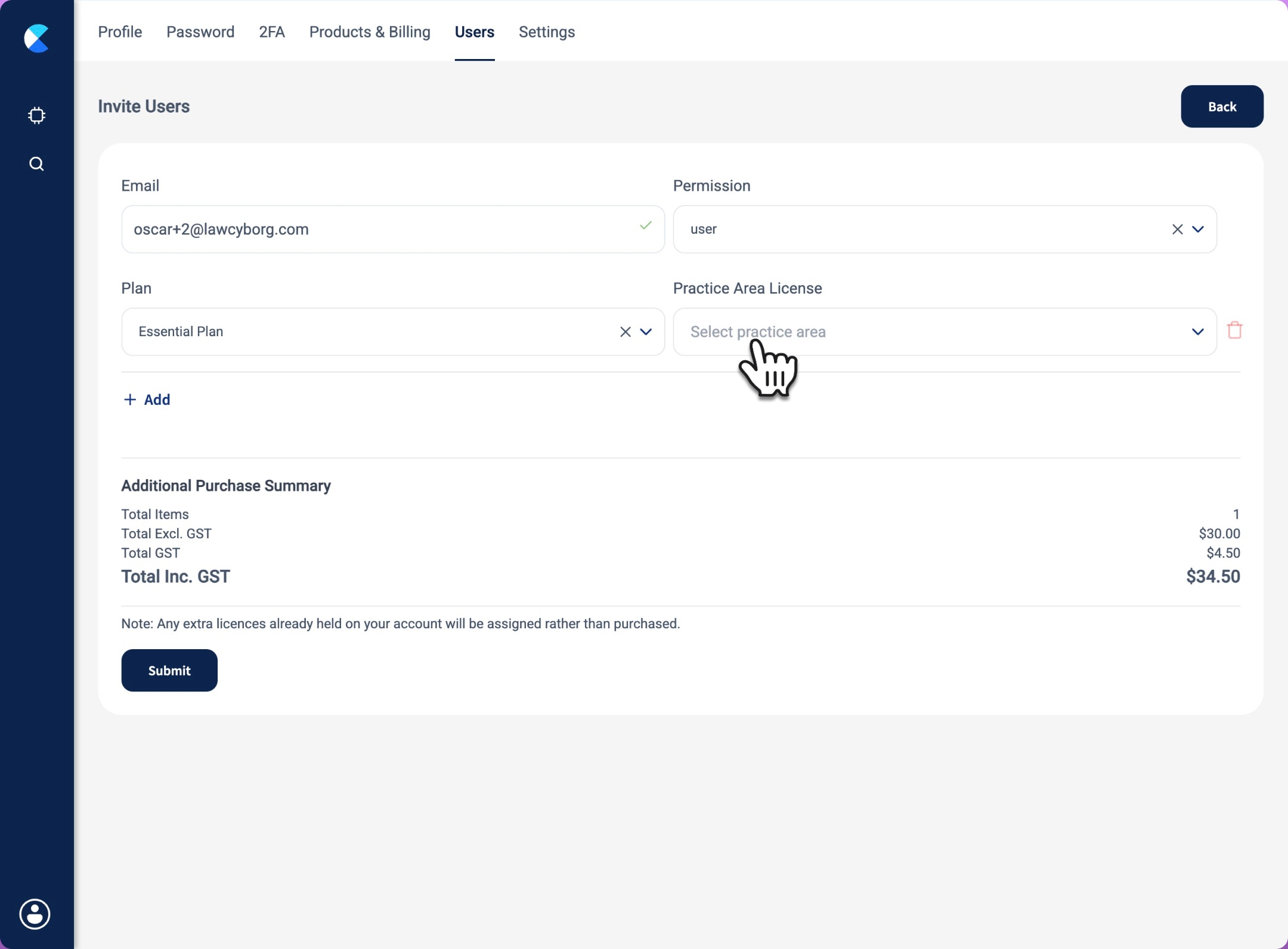
Step 6: Select practice areas
Click Select practice area.
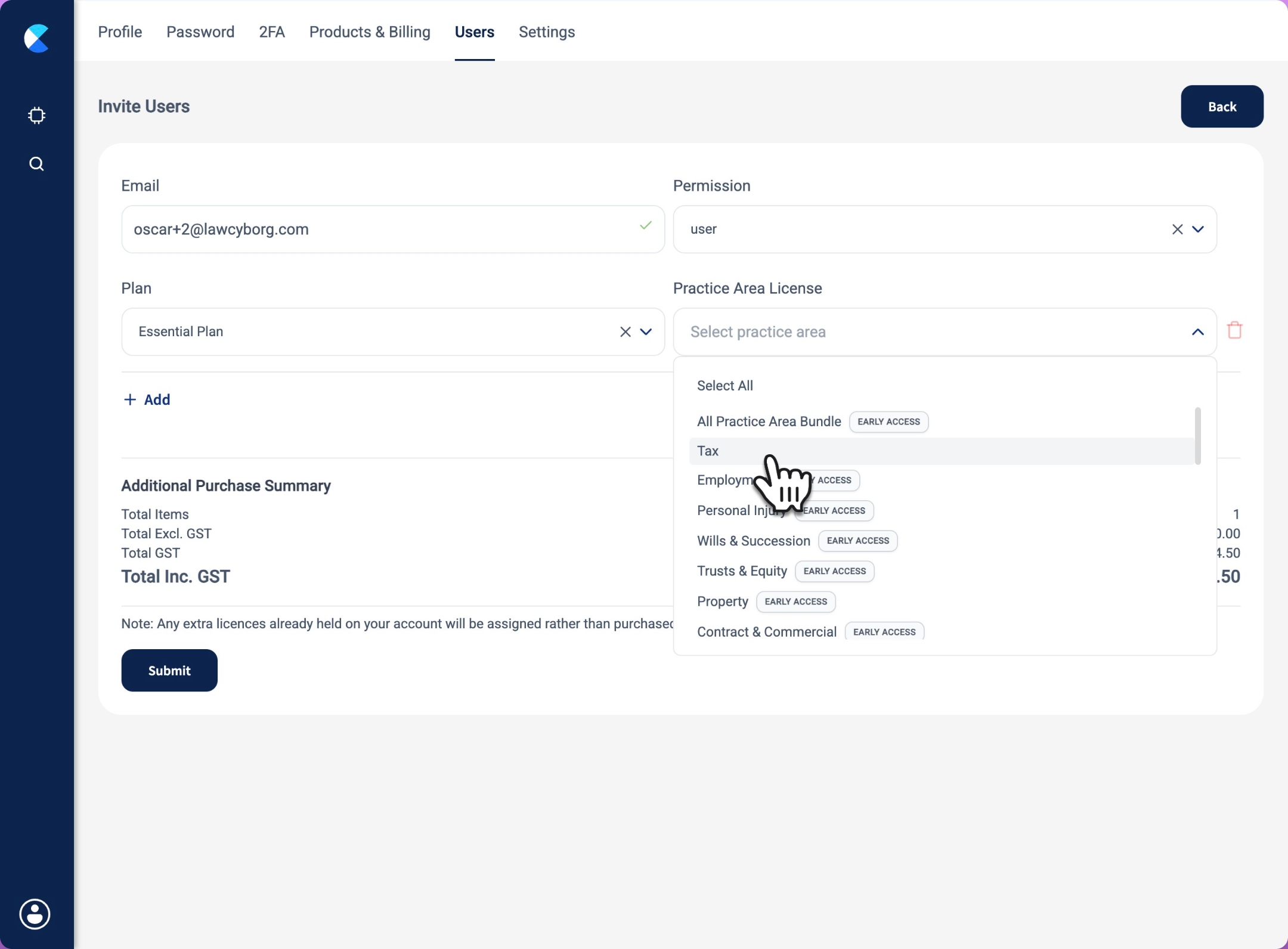
Step 7: Assign licenses
Choose the practice area licenses you want the user to access.
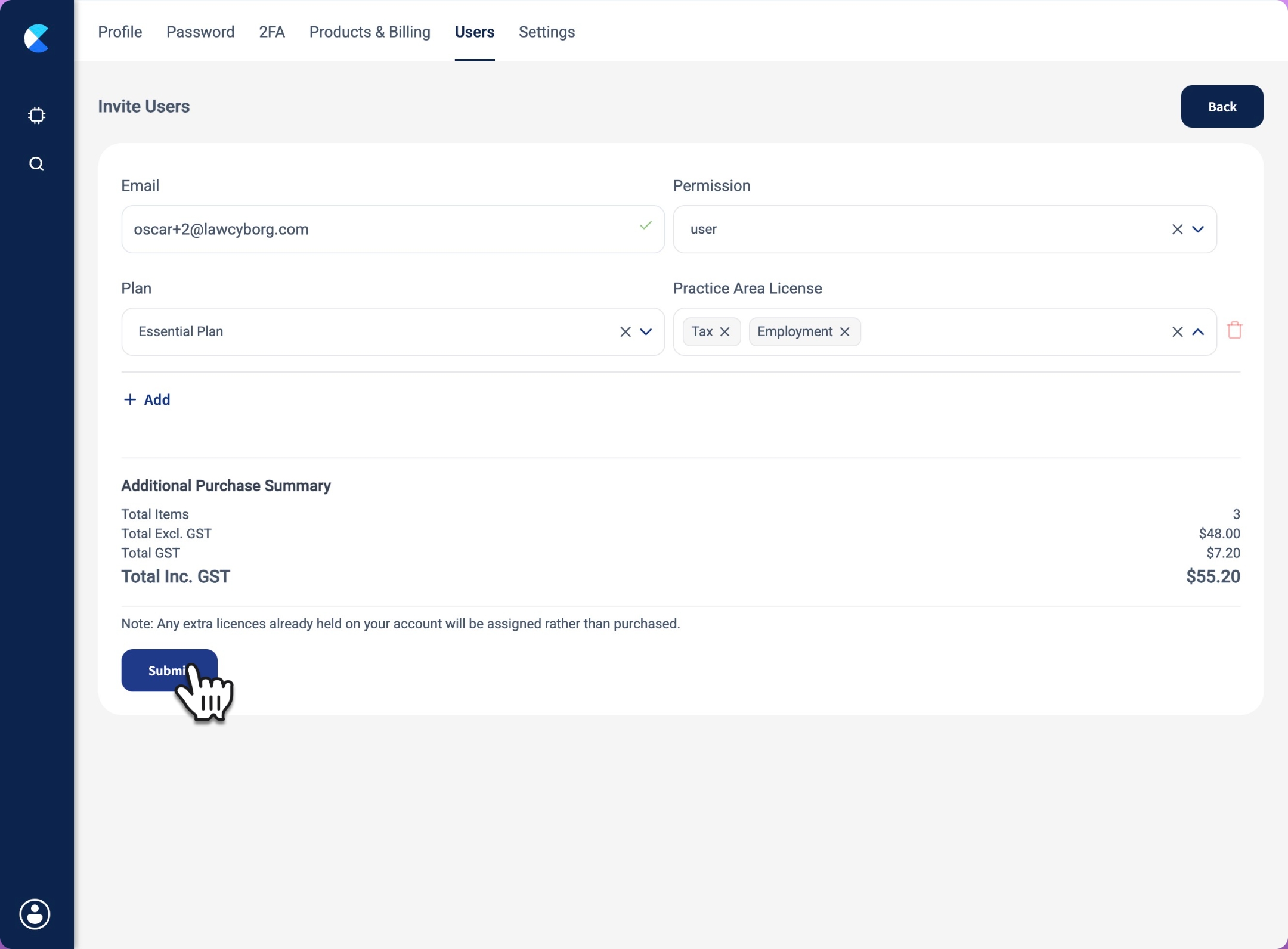
Step 8: Send the invitation
Click Submit once finished. The new user will receive an email invite prompting them to create a Law Cyborg account and set a password. Make sure that the invitee checks their spam or email quarantine if they don't see the invitation land in their inbox.
🎉 That’s it — your teammate is now invited to join Law Cyborg!